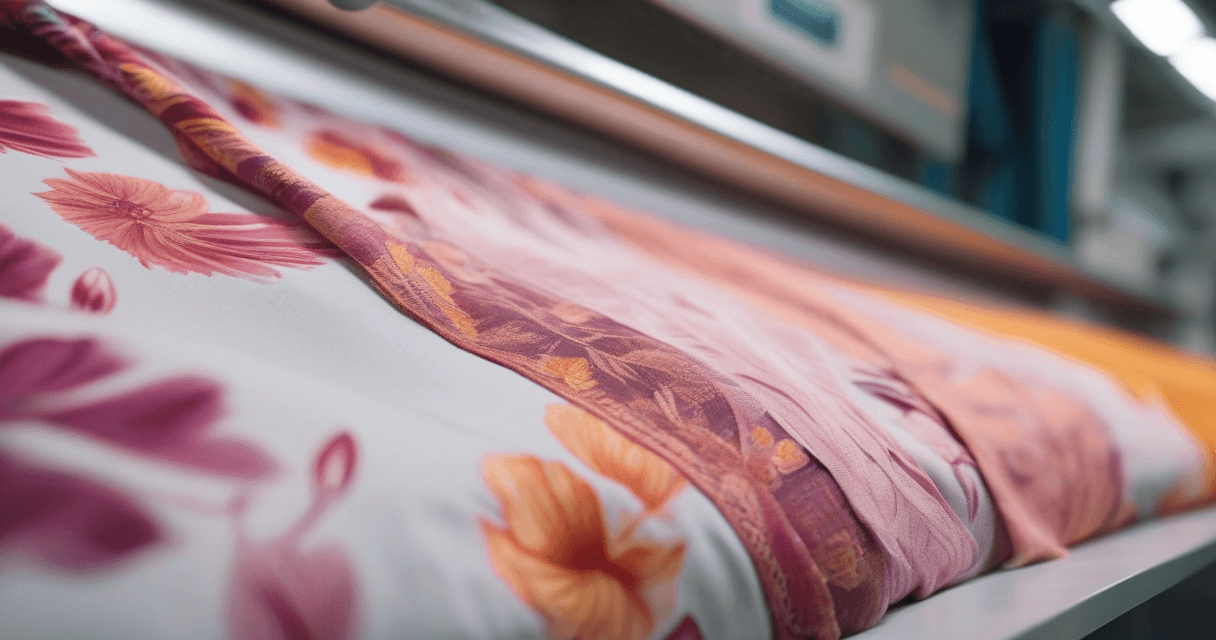
The Two Dominant Fabric Printing Methods
Choosing between digital textile printing and screen printing is one of the most important decisions in fabric production. Each method has distinct advantages that make it ideal for certain situations — and significant limitations that make it wrong for others. This guide helps you make an informed decision based on your specific project requirements.
How Screen Printing Works
Rotary screen printing uses perforated nickel cylinders (screens) — one for each color in the design. Ink is pushed through the perforations onto the moving fabric web. The process runs at high speeds (40-80 meters per minute), making it extremely cost-effective for large production runs.
Advantages of Screen Printing
- Cost efficiency at scale: Unit cost drops significantly above 500-1,000 meters. For runs of 5,000+ meters, screen printing is typically 30-50% cheaper than digital.
- Color vibrancy: Spot color inks applied as solid layers produce vibrant, saturated colors that are difficult to match with digital CMYK processes.
- Special effects: Screen printing can apply metallic inks, discharge prints (bleach effects), puff prints (raised texture), and flocking that digital printing cannot achieve.
- Speed: Once set up, a rotary screen printer can produce thousands of meters per hour.
- Proven durability: Screen-printed fabrics have been tested across decades of washing and wear.
Limitations of Screen Printing
- High setup cost: Each screen (cylinder) costs hundreds of dollars to engrave. A 6-color design requires 6 screens, adding significant upfront cost.
- Limited colors per design: Most rotary printers handle 8-16 screens maximum. Complex photographic designs are difficult to reproduce.
- Minimum orders: Due to setup costs, most mills require minimum orders of 500-3,000 meters to be economically viable.
- Long lead times: Screen engraving, ink mixing, and strike-off approval can take 2-4 weeks before production starts.
- Design limitations: Each repeat is constrained by the cylinder circumference (typically 64cm or 91.4cm).
How Digital Textile Printing Works
Digital textile printing uses inkjet technology to spray microscopic droplets of reactive, acid, or pigment inks directly onto fabric. Like a large-format office printer, it reproduces designs from digital files without any physical screens or templates.
Advantages of Digital Printing
- No minimum orders: Print 1 meter or 10,000 meters — the unit cost remains relatively constant. This is revolutionary for sampling, custom orders, and small brands.
- Unlimited colors: CMYK process printing reproduces millions of colors, including photographic images, complex gradients, and watercolor effects.
- No repeat restrictions: Your design can be a single non-repeating image spanning the entire fabric length — no cylinder circumference constraints.
- Fast turnaround: No screens to engrave. Upload a file and start printing the same day. Complete orders can ship in 3-5 days.
- Easy customization: Change colors, scale, or design elements between prints with no additional cost.
- Reduced waste: No leftover screens, no minimum ink mixing quantities, no setup yardage.
Limitations of Digital Printing
- Higher per-meter cost: At volumes above 1,000 meters, digital printing is typically more expensive than screen printing.
- Slower production speed: Single-pass digital printers run at 20-40 meters per minute — faster than before, but still slower than rotary screens.
- Color matching challenges: CMYK process cannot perfectly match every Pantone spot color, particularly neon, metallic, and very saturated colors.
- Limited special effects: No metallic inks, no discharge printing, no textural effects like puff or flock.
- Substrate sensitivity: Digital printing results vary significantly based on fabric pre-treatment and composition.
Decision Framework: Which Method to Choose
Choose Screen Printing When:
- Your order quantity exceeds 1,000 meters
- Your design uses 6 or fewer spot colors
- You need special effects (metallic, discharge, puff)
- Maximum color vibrancy is the priority
- You're producing basics or repeat seasonal patterns
Choose Digital Printing When:
- You need small quantities (1-500 meters)
- Your design has complex gradients or photographic elements
- Fast turnaround is critical
- You need multiple colorways of the same design
- You're sampling or prototyping before committing to a large run
- Your design has no repeat constraints (engineered prints, placement prints)
The Hybrid Approach
Many successful brands use both methods strategically. They prototype and sample using digital printing (fast, no minimums), then switch to screen printing for confirmed production orders exceeding their break-even volume. Some even use digital printing for limited-edition capsule collections while screen printing their core designs.
Cost Comparison
The break-even point varies by complexity, but here's a general guideline:
- Under 200 meters: Digital is almost always more cost-effective
- 200-1,000 meters: Depends on the number of colors and design complexity
- Over 1,000 meters: Screen printing usually wins on per-meter cost
- Over 5,000 meters: Screen printing is significantly cheaper
Preparing Files for Each Method
The design preparation process differs significantly between methods:
For screen printing, your file must be separated into individual color layers, matched to Pantone specifications, and formatted to the exact repeat dimensions of the printing cylinder. This requires color separation expertise.
For digital printing, provide a high-resolution RGB or CMYK file (150-300 DPI at actual print size) with embedded color profiles. The digital workflow is more straightforward but still benefits from proper file preparation to ensure optimal color reproduction.
Understanding the strengths and limitations of each printing method empowers you to make smarter production decisions — optimizing cost, quality, and speed for every project in your portfolio.