Why Seamless Patterns Matter in Textile Production
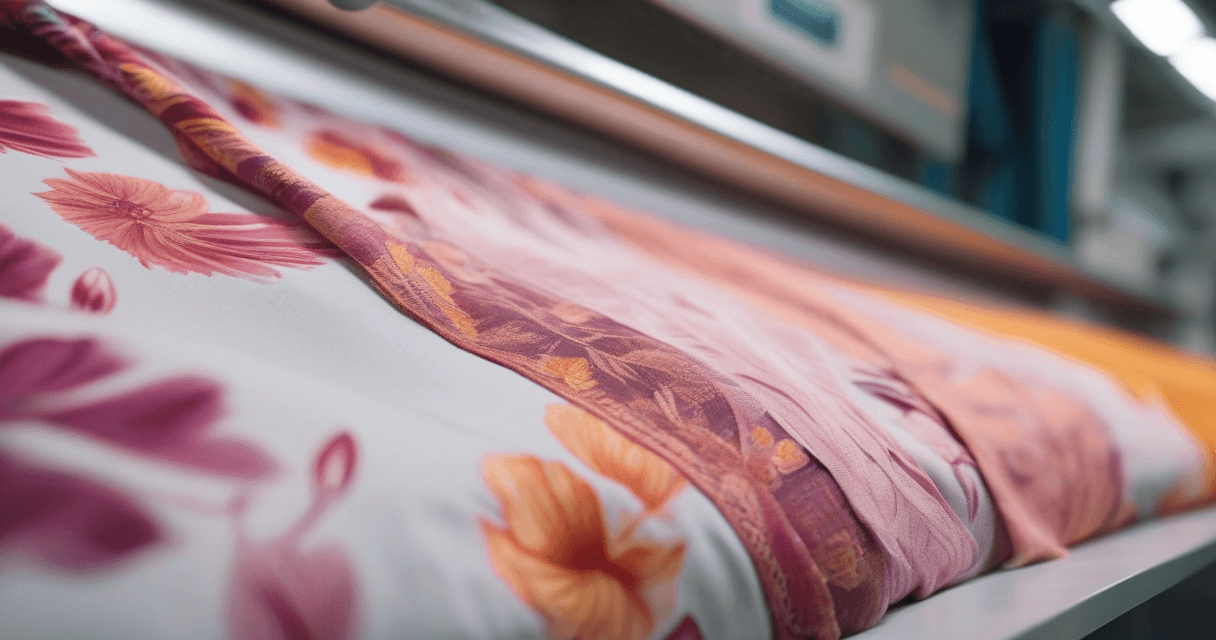
In textile manufacturing, a seamless pattern is the foundation of every printed fabric. Whether you're designing for rotary screen printing, digital textile printing, or flat-bed screen printing, the pattern must tile perfectly without visible seams or misalignment. A poorly constructed repeat can lead to costly production errors, wasted fabric, and rejected orders.
Modern AI-powered tools have transformed this process. What once required hours of painstaking pixel-by-pixel editing in Photoshop can now be achieved in minutes with intelligent edge-matching algorithms.
Understanding Pattern Repeat Types
Before creating your pattern, it's essential to understand the three main repeat types used in textile production:
1. Block Repeat (Straight Repeat)
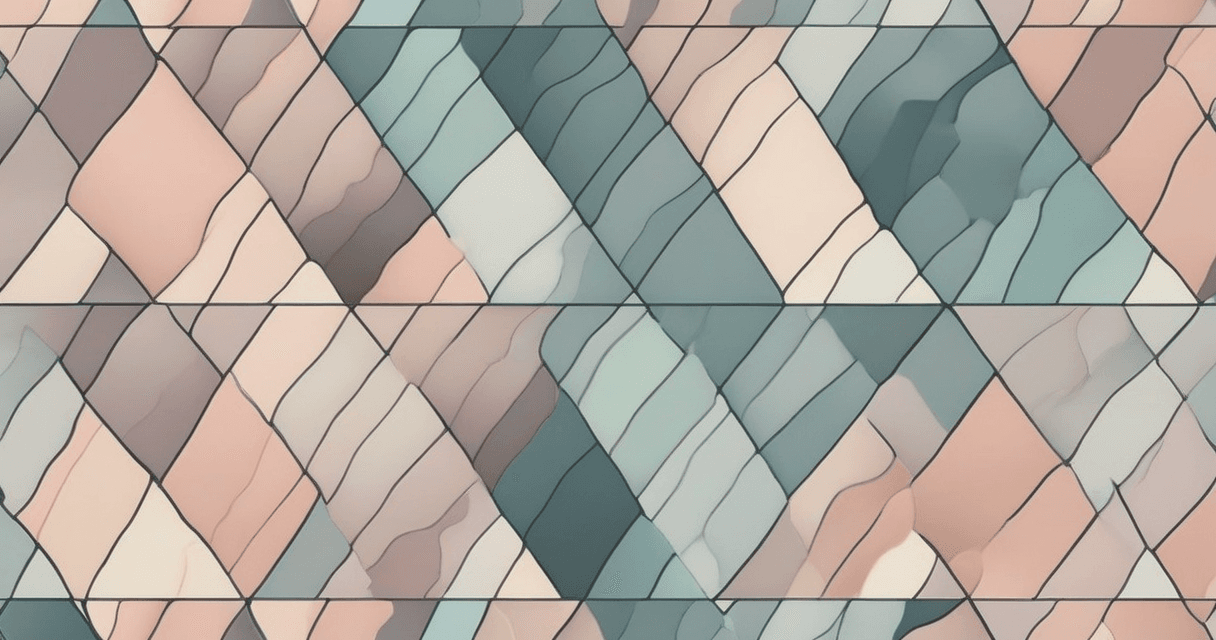
The simplest and most common repeat type. The motif repeats in a straight grid both horizontally and vertically. This is ideal for geometric designs, stripes, and simple floral arrangements.
2. Half-Drop Repeat
Each column of motifs is offset by exactly half the repeat height. This creates a more natural, less grid-like appearance. Half-drop repeats are popular for floral designs, paisley patterns, and organic motifs because they break up the visual repetition.
3. Half-Brick Repeat
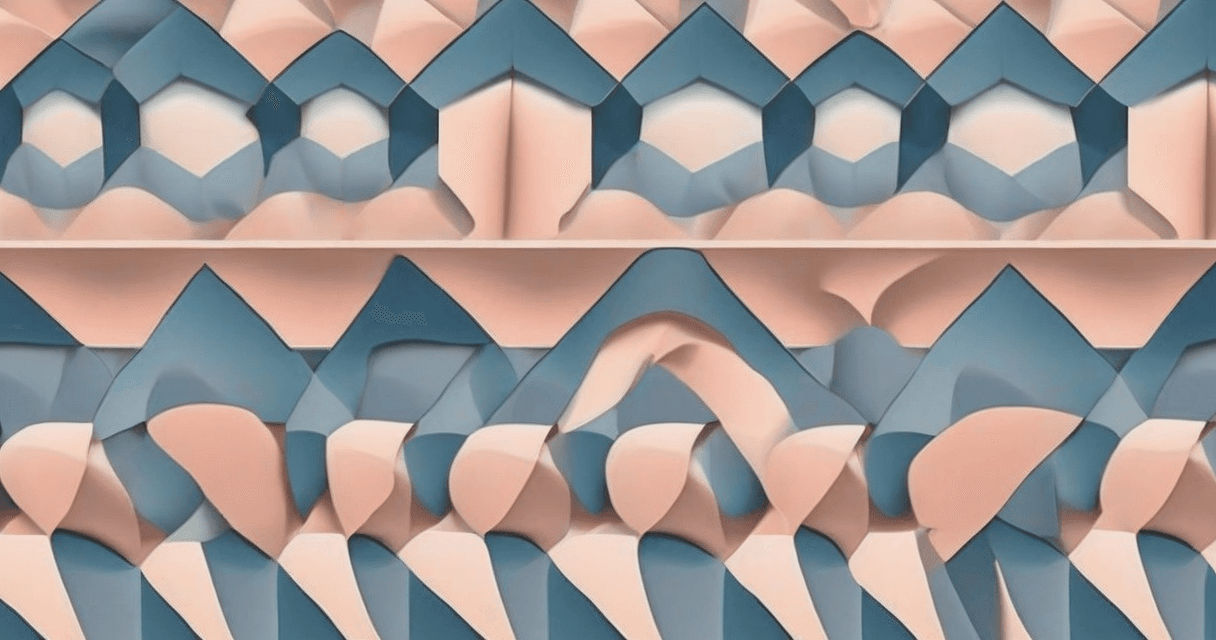
Similar to a half-drop, but the offset occurs horizontally instead of vertically. Each row shifts by half the repeat width. This layout mimics the pattern of bricks in a wall and works well for horizontal design elements.
Step-by-Step: Creating a Seamless Pattern
Step 1: Prepare Your Motif
Start with a high-resolution motif design. For best results, your source image should be at least 2000x2000 pixels. Remove any background elements and ensure the motif has clean edges. If you're working from a photograph, use a background removal tool to isolate the design element first.
Step 2: Choose Your Repeat Strategy
Consider the end product when selecting your repeat type. Garment fabrics often benefit from half-drop repeats, while home textiles like curtains and upholstery may work better with block repeats. The scale of your repeat also matters — smaller repeats (under 10cm) create a denser look, while larger repeats (20-40cm) provide a more dramatic effect.
Step 3: Generate the Seamless Repeat
Upload your motif to a seamless repeat tool. AI-powered tools analyze the edges of your design and intelligently extend and blend them to create perfect tile boundaries. The algorithm ensures that when the pattern is repeated in any direction, the seams are invisible.
Step 4: Verify Your Result
Always preview your pattern in a 3x3 or 4x4 grid view before sending to production. Look for:
- Visible seam lines at tile boundaries
- Unnatural repetition that creates visual "rivers" or "corridors"
- Color banding at edges
- Motif clipping at borders
Step 5: Export for Production
Export your final pattern at the correct DPI for your printing method. Rotary screen printing typically requires 150-300 DPI, while digital textile printing can use 150-600 DPI. Always embed the color profile (sRGB for screen, Adobe RGB or CMYK for print) in your exported file.
Common Mistakes to Avoid
Even experienced designers make these errors when creating seamless patterns:
- Ignoring the repeat rapport: The rapport (repeat unit size) must match the printer's cylinder circumference for rotary printing. Standard sizes include 64cm and 91.4cm.
- Too many colors: Each color in screen printing requires a separate screen. Keep your color count within the printer's capability, typically 8-16 colors for rotary screens.
- Low resolution: Upscaling a low-resolution pattern introduces blur and artifacts. Always start with the highest resolution source possible.
- Forgetting bleed: Add at least 2-3mm of bleed around your repeat unit to account for printing registration tolerances.
AI-Powered vs Traditional Methods
Traditional seamless pattern creation requires manual pixel editing — copying, flipping, and blending edges by hand. This process is time-consuming and error-prone, especially with complex organic designs.
AI-powered tools use AI models trained on millions of textile patterns to understand how edges should blend naturally. They can handle complex organic motifs, maintain color consistency, and produce results that would take hours to achieve manually — all in seconds.
Best Practices for Production-Ready Patterns
- Work in TIFF or PNG format to preserve quality (avoid JPEG compression for production files)
- Maintain a minimum resolution of 150 DPI at actual print size
- Use a consistent color space throughout your workflow
- Keep a master file with layers for easy color variations
- Document your repeat dimensions, color specifications, and print settings
Creating seamless patterns is both an art and a science. With the right tools and understanding of repeat engineering, you can produce professional-quality textile designs that meet the demands of modern fabric production.