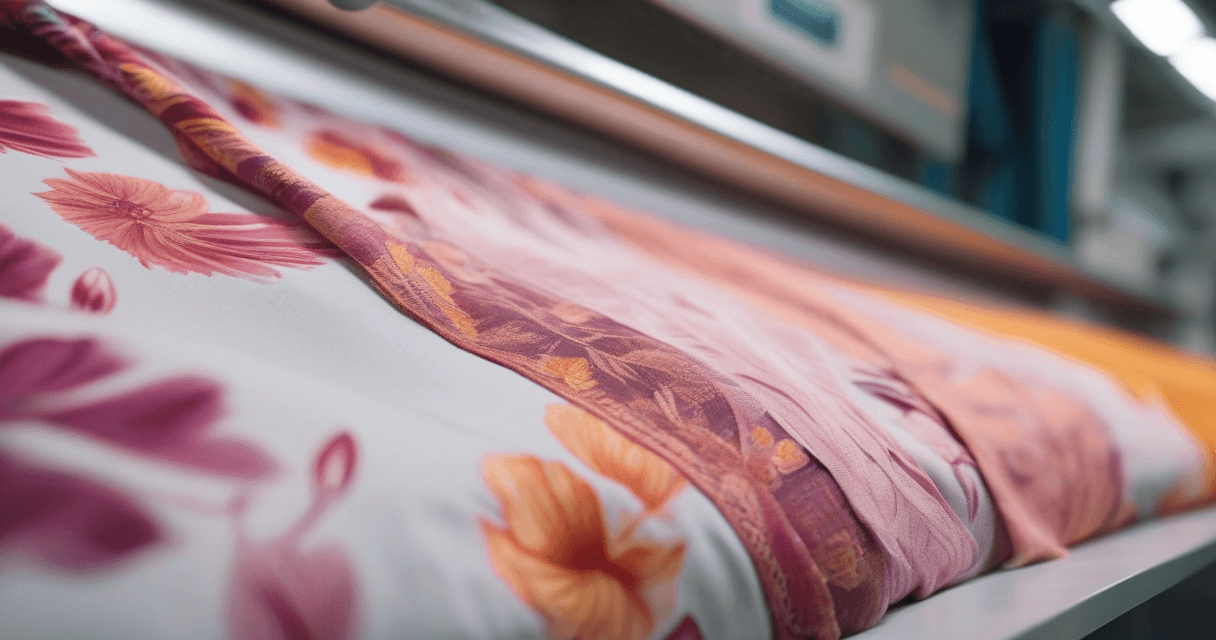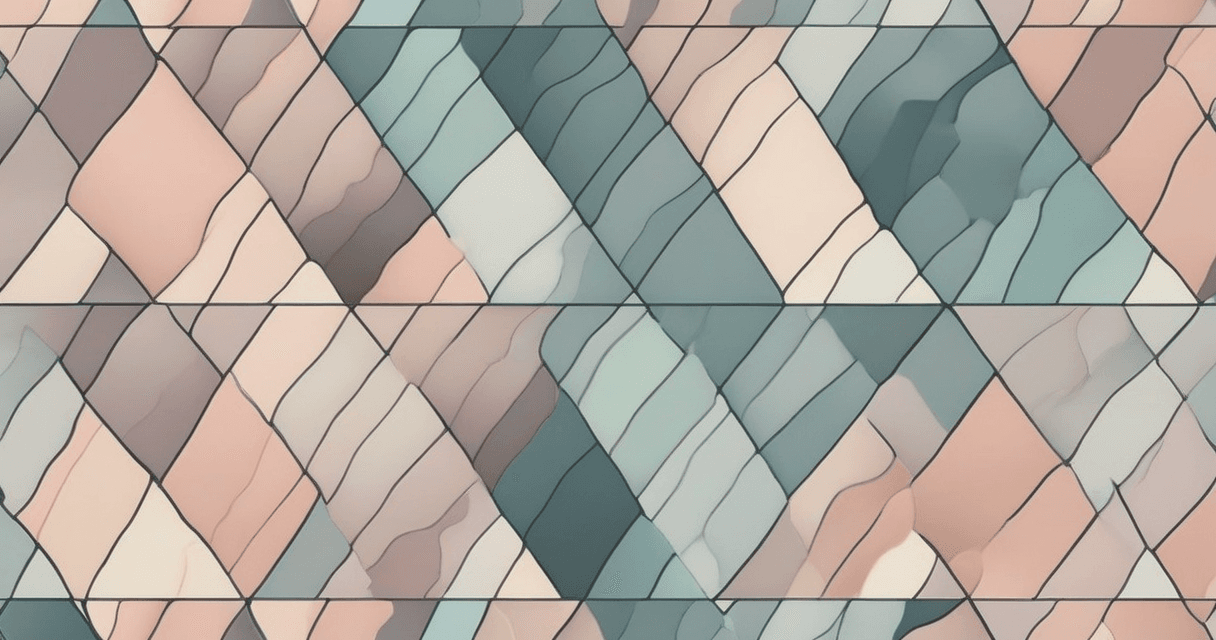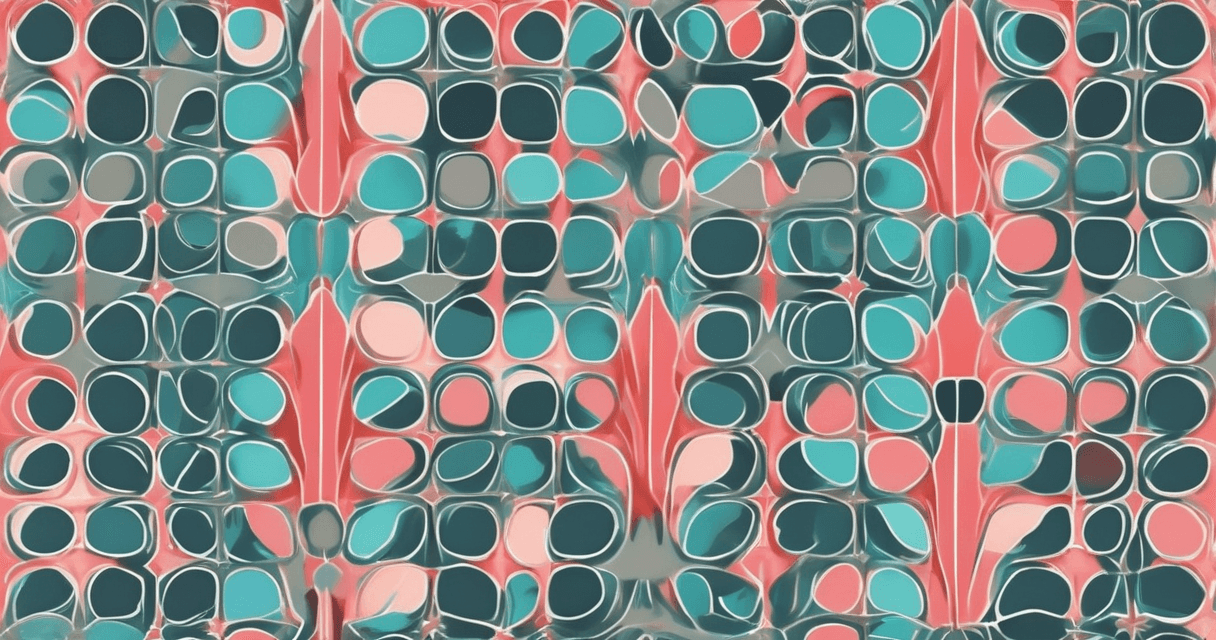
Every textile designer has at least one story about a seamless pattern that "looked fine on screen" and came back from the printer with a visible stripe every 40cm across the bolt. The fabric is unusable, the production slot is burned, and the client wants to know what happened. The answer is almost always the same: the pattern was never properly verified before submission.
This guide walks through the three-step verification process that catches seam issues before they reach production. It takes about ten minutes and prevents the class of mistake that only becomes visible at fabric scale.
The Two Ways Seamless Patterns Fail
Before the verification steps, understand what can actually go wrong. Seamless patterns fail in two distinct ways:
- Pixel-level edge mismatch — the left edge does not exactly equal the right edge, or top does not equal bottom. Often invisible at screen viewing, but clearly visible when printed at physical scale. Causes: incomplete offset-and-clone work, AI tool blending artifacts, color bleed from soft brushes at edges.
- Visual grid striping — the pixels match perfectly, but when tiled, dense or bright motifs near an edge form a visible band across the fabric. The math is correct; the composition is not.
A complete verification checks for both. Many designers catch one and miss the other.
Step 1: The 3×3 Grid Preview (Catches Visual Issues)
The first check is a visual one: preview the pattern tiled in a 3×3 grid. The center tile is your original; the eight surrounding tiles show how it repeats in every direction. What you are looking for:
- Visible grid stripes — a dark or bright motif near one edge forming a clear horizontal or vertical band across the tiled image
- Motif crashes at corners — elements from neighboring tiles meeting awkwardly at the corners where four tiles touch
- Color bands — gradients of color forming unintended stripes across the repeat
- Directional bias — the eye drawn consistently to one spot, suggesting the composition is not evenly distributed
Do this check at 100% of the output size, not fit-to-screen. Most design software supports generating a 3×3 preview automatically; if not, duplicate and offset the tile manually once to get a 2×2 and extend. Our Seamless Checker tool generates the 3×3 preview automatically and highlights suspected grid-stripe issues.
Step 2: Seam Energy Measurement (Catches Pixel Issues)
The second check is mathematical: measure how different the pixels are at the exact boundaries between tiles. A truly seamless pattern has pixels on either side of the seam that differ only by the natural variation expected within the pattern itself. A broken seamless pattern has a sharp discontinuity at the boundary.
The calculation:
- Compare the rightmost column of pixels with the leftmost column
- Compare the bottom row with the top row
- For each pixel pair, measure the color distance (ideally in LAB space for perceptual accuracy)
- Average the distances — this is the seam energy
A well-prepared seamless pattern has seam energy of around 0.5–2.0 in Delta E units — the same level of variation that exists randomly within the pattern. Seam energy above Delta E 5 is visible on fabric. Above Delta E 10 is glaring.
Dedicated seamless checker tools automate this measurement and flag the specific edges that fail. The advantage over manual visual inspection: the tool catches mismatches that are mathematically significant but too small for the eye to notice on-screen at typical zoom levels.
Step 3: The Scale Paper Test (Final Verification)
The third check is physical: print the pattern at final scale on paper before committing to fabric. Minimum size is 1 square meter; 2 meters in the dominant tiling direction is better for bolt-scale production.
Use bond paper or poster paper, not photo paper. What you are looking for cannot be detected on screen no matter how large your monitor — the viewing distance, the physical scale, and the fact that you can walk around the print reveal issues that digital viewing hides.
Specifically, scan the printed paper for:
- Subtle seams that only appear when you step back 2 meters
- Color drift across the width of the fabric (RIP issues, not pattern issues)
- Motif repetition that looks tight on screen but obvious at garment scale
- Soft edges or ghosting that digital preview compresses away
If a pattern passes the 3×3 grid, passes seam energy measurement, and survives a 1-meter paper print without visible seams, it is ready for fabric. If any of the three fail, fix the issue and re-verify all three before submitting.
Half-Drop and Half-Brick Verification
Straight repeats have one tile boundary configuration: horizontal and vertical edges. Half-drop and half-brick repeats have two configurations because the shifted columns or rows create diagonal boundaries between original and shifted tiles.
For half-drop:
- Verify the pattern tiles seamlessly in straight configuration first (all three checks)
- Then generate a half-drop grid preview — alternate columns shifted down by half a tile
- Check the diagonal boundaries between original and dropped tiles for the same issues (grid stripes, seam energy, scale test)
A pattern can pass straight verification and fail half-drop because the shifted columns expose different motif adjacencies that did not appear in the straight layout. The common failure: a motif that lands well in a straight grid lands on top of another motif in the drop, creating a visual collision.
Additional Checks for Rotary Screen Production
Rotary screen printing adds one more requirement: the repeat size must exactly match the screen circumference. Common sizes are 64cm, 91cm, 102cm depending on the specific rotary. A pattern that is 63.5cm or 64.5cm needs to be resampled to exactly 64cm, which introduces interpolation artifacts and requires re-verification.
Before rotary submission:
- Confirm the exact screen circumference with the print shop
- Verify your tile is that exact size in the screen direction
- Re-run the three-step verification after any resize
For flat screen and digital textile printing, repeat size is flexible, but the three-step verification still applies.
When to Fix vs When to Start Over
Minor seam issues are fixable. Major ones mean starting the repeat over:
- Fixable: small pixel mismatches at edges, mild soft blur from AI blending, one motif causing a minor stripe
- Not fixable, redo: seam energy above Delta E 15, multiple grid stripes from composition issues, motif density uneven across the tile
Compositional issues — uneven motif density, directional bias, focal points near edges — cannot be fixed by edge cloning. The pattern needs a structural rework. Trying to patch over a compositional problem produces worse results than starting over with proper motif distribution from the beginning.
Related Reading
For making the seamless repeat in the first place, see our guide on how to make any image a seamless repeat. For the full textile artwork preparation workflow, the complete print-prep pillar covers every stage from resolution to color to final submission.
For deeper background on how seam energy metrics work mathematically, the academic paper on texture synthesis and seamless tiling from the computer graphics literature documents the underlying techniques used in modern textile verification tools.
Ten minutes of verification prevents an entire production run from going wrong. The only seamless patterns that fail in production are the ones that were never properly checked.