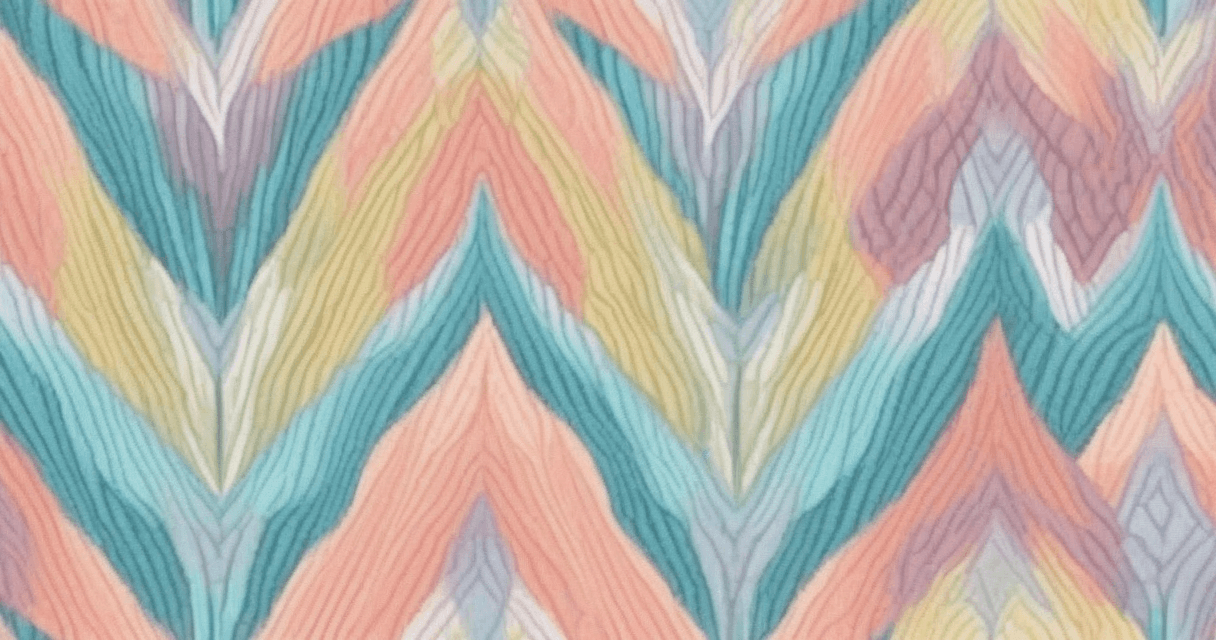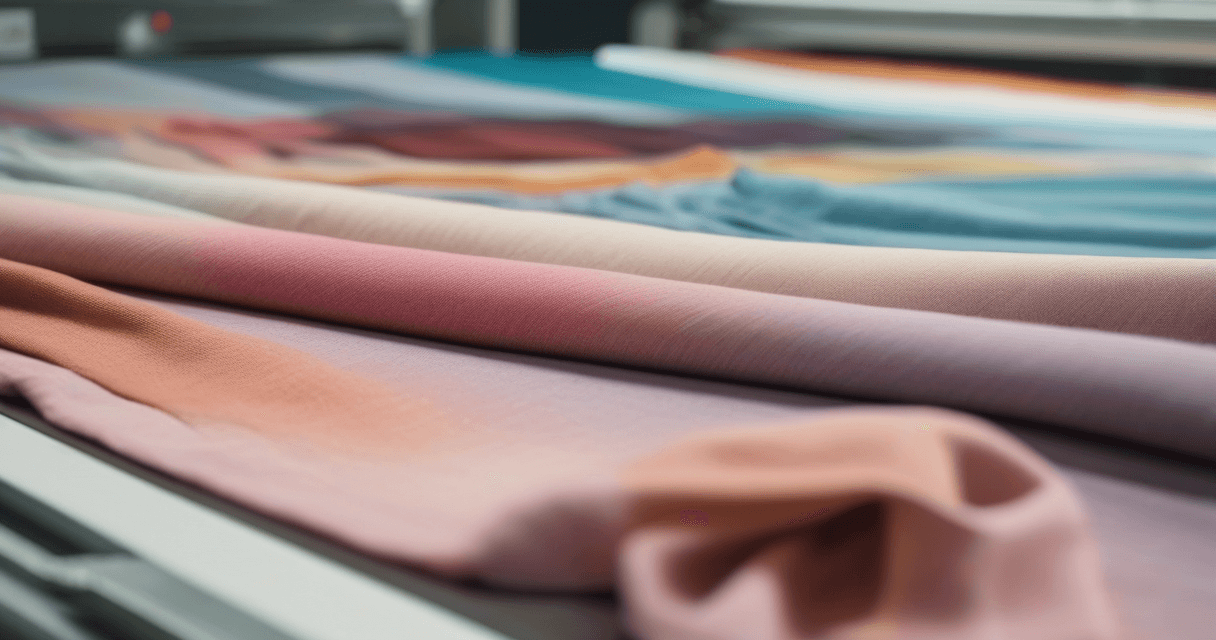
The same printed design looks and behaves differently on silk, cotton, and polyester. Each fabric has distinct absorption characteristics, surface properties, and color reproduction behavior that file preparation needs to respect. This guide covers the substrate-specific adjustments that separate professional multi-fabric production from "send the same file and hope."
Silk: Maximum Detail, Maximum Color
Silk (natural protein fiber, 120–180 thread count typical) reproduces detail and color better than any other textile substrate. The smooth surface, natural sheen, and non-absorbent fiber structure hold ink crisply with minimal spread.
File prep characteristics:
- DPI: 300 minimum, 450 recommended for luxury or print-critical work
- Color: minimal adjustment needed, since design colors reproduce close to the screen preview
- Detail: preserve fine detail aggressively; silk rewards investment in sharpness
- Ink type: acid inks (for dye penetration) or reactive (for washfastness)
- Trap: 0.15–0.25mm (silk's minimal spread allows tight trapping)
Silk handles moiré, fine halftones, and tight geometric patterns that would fail on coarser substrates. For brand-critical or luxury work, silk is the default choice.
Cotton: Absorbent, Softens Everything
Cotton (natural cellulose, 100–200 thread count typical) is the workhorse textile: apparel, home goods, mid-market everything. It's absorbent, which affects both detail and color reproduction.
File prep characteristics:
- DPI: 300 is the practical ceiling, because fiber spread softens finer detail anyway
- Color: slight saturation boost (5–10%) to compensate for absorption softening
- Detail: avoid extremely fine lines; anything under 1 pixel at 300 DPI (about 0.08mm) will spread and merge
- Ink type: reactive inks (covalent bonding for washfastness)
- Trap: 0.3–0.5mm (cotton's ink spread requires wider trap)
Cotton shifts colors slightly warmer. A design that looks accurate on screen will print 1–2 Delta E units warmer on cotton under daylight. Soft-proof with a cotton-specific ICC profile.
Polyester (Sublimation): Sharp, Cool, Durable
Polyester (synthetic, typically sublimation-printed) takes ink on the surface rather than absorbing into the fiber. Results are sharp, color-accurate, and extremely washfast, but with a cool color shift.
File prep characteristics:
- DPI: 300 minimum, because polyester reproduces every pixel
- Color: slight saturation reduction (3–7%), because polyester often makes colors look garish next to silk
- Detail: preserves fine detail like silk
- Ink type: disperse inks (sublimation)
- Trap: 0.15–0.25mm (similar to silk)
Polyester shifts colors slightly cooler and more saturated. Designs that need warm character need intentional warming; designs with neutral intent reproduce close to screen preview.
Ink Chemistry Matters
The ink type must match the fiber type for washfast, color-accurate results:
| Fabric | Ink Type | Why |
|---|---|---|
| Silk, wool | Acid | Protein fibers bond with acid dyes |
| Cotton, linen | Reactive | Covalent bonds with cellulose fibers |
| Polyester | Disperse (sublimation) | Dyes vaporize into polymer fiber |
| Nylon | Acid | Protein-like bonding |
| Viscose, rayon | Reactive | Cellulose-based, like cotton |
Using reactive ink on polyester, or disperse ink on cotton, produces pale unwashfast results that fail commercial quality standards.
Substrate-Specific ICC Profiles
Production shops with reliable multi-substrate output maintain separate ICC profiles for each fabric-ink combination:
- Reactive ink on cotton: cotton_reactive_300dpi.icc
- Reactive ink on linen: linen_reactive_300dpi.icc
- Acid ink on silk: silk_acid_300dpi.icc
- Disperse ink on polyester habotai: poly_disperse_300dpi.icc
Each profile maps your design's input color space to the correct CMYK for that specific substrate-ink behavior. Freelance designers rely on printer-supplied profiles; production shops build their own profile libraries over years of characterization.
Substrate-Specific Strike-Offs
For any multi-substrate project, strike off on every intended substrate. The same file on silk, cotton, and polyester produces measurably different colors (often Delta E 2–4 between substrates). Without per-substrate strike-off, you're guessing at cross-fabric consistency.
Single File vs Substrate Variants
Two approaches to multi-fabric design:
Single master file: one design, printed on all substrates. Accept that results differ slightly per substrate. Simpler workflow. Fine for non-critical work.
Substrate variant files: master design, then substrate-specific tweaks (saturation, DPI, trap) exported per substrate. More files, better cross-fabric consistency. Standard for brand-critical or luxury work.
Multi-Substrate Production Workflow
- Design at full resolution in a wide-gamut working space (Adobe RGB 1998)
- For each intended substrate: soft-proof with substrate-specific ICC profile
- Apply substrate-specific color tweaks (minimal for silk, warm boost for cotton, cool reduction for polyester)
- Export substrate-specific TIFFs with correct ICC embedded
- Strike off on each substrate before full production
- Measure Delta E against reference per substrate
- Approve individually per substrate
Related Reading
For the complete color management framework: textile color management playbook. For ink coverage cost differences across substrates: ink coverage and print cost. For color space decisions that affect substrate reproduction: CMYK vs sRGB color shift.