AI pattern generation is the fastest path from idea to visible design in textile workflows, but 90% of AI pattern output is unusable — generic, weakly tileable, asymmetric, or compositionally wrong for textile. The difference between junk output and production-ready patterns is usually the prompt. This guide shares 10 tested prompts that work reliably, with the prompt structure behind them.
The Prompt Structure That Works
Every good textile pattern prompt specifies five elements:
- Motif: what the pattern depicts (florals, geometric shapes, animals, abstract)
- Density: how packed or sparse (sparse, medium, densely packed, scattered)
- Color palette: specific colors or palette character (warm earth tones, cool blues, monochrome, high-contrast)
- Composition: how motifs arrange (all-over, grid-based, clustered, scattered, half-drop)
- Constraint: "seamless tileable repeat pattern" is the essential phrase
Drop any element and output quality degrades predictably.
The 10 Tested Prompts
1. Classic sanganeri floral
Seamless tileable pattern, traditional Indian sanganeri block print florals, small motifs, densely packed, deep indigo and cream color palette, natural organic composition, repeat-ready, flat illustration
2. Modern geometric
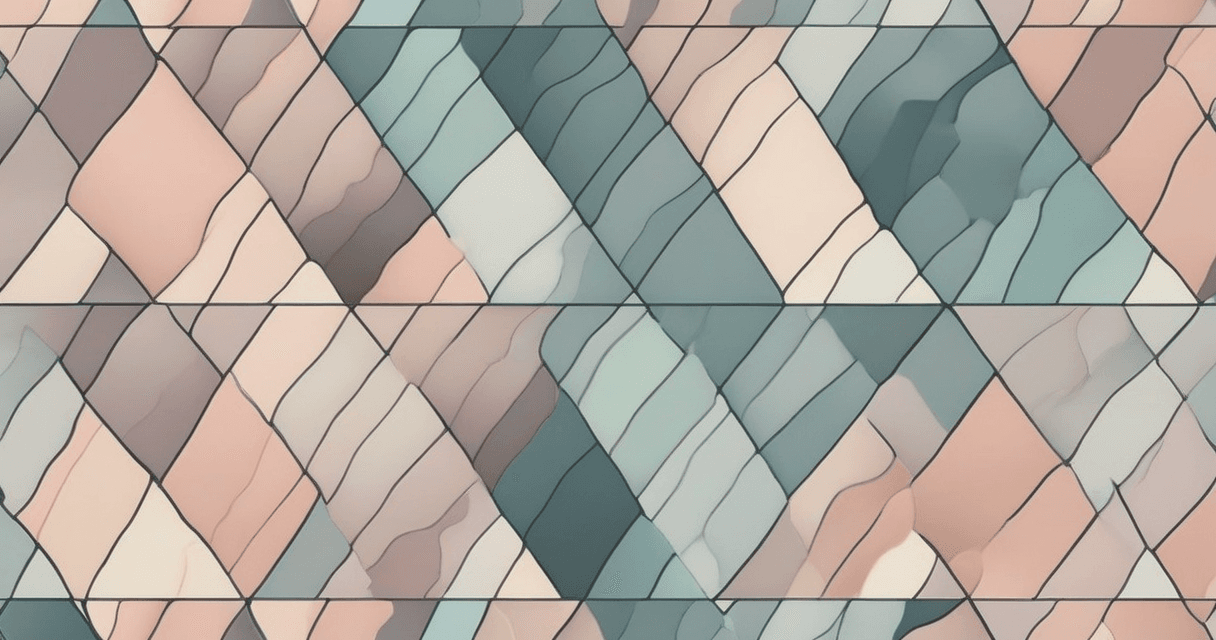
Seamless tileable repeat pattern, modern geometric shapes, triangles and circles, medium density, muted pastel palette of dusty rose and sage green, grid-aligned composition, clean vector illustration style
3. Vintage botanical
Seamless tileable pattern, vintage botanical illustration, detailed leaves and wildflowers, medium-high density, warm ochre and forest green palette, scattered naturalistic composition, hand-drawn aesthetic
4. Tropical abstract
Seamless repeat pattern, abstract tropical motifs, stylized palm leaves and exotic flowers, dense packed, vibrant teal coral and golden yellow, flowing organic composition, watercolor illustration style
5. Art deco luxe
Seamless tileable geometric pattern, art deco style, fan and sunburst motifs, symmetrical grid, black gold and cream palette, high-contrast luxurious feel, clean graphic illustration
6. Ikat-style
Seamless tileable pattern, ikat-inspired abstract shapes, blurred edges characteristic of traditional ikat weaving, medium density, rich burgundy and deep navy with cream, vertical repeat composition, textile art style
7. Minimal scandinavian
Seamless tileable pattern, minimalist scandinavian style, simple abstract shapes, sparse composition with generous white space, muted gray and soft beige palette, clean graphic illustration
8. Baroque damask
Seamless tileable damask pattern, baroque ornamental scrolls and medallions, highly detailed, half-drop repeat composition, rich burgundy on cream, classical textile aesthetic
9. Nature-inspired texture
Seamless tileable pattern, organic natural texture, inspired by aged stone and moss, medium-density random composition, soft gray green and mossy brown, earthy painterly illustration
10. Folk art floral
Seamless tileable pattern, folk art floral motifs, stylized roses and daisies, symmetrical arrangement, bright red yellow and blue on white, eastern european folk art aesthetic, flat clean illustration
What Makes These Prompts Different
They specify all five structural elements. They use the phrase "seamless tileable repeat" or "seamless tileable pattern" explicitly. They name a composition style. They give clear color palette guidance. They specify an illustration aesthetic (flat, watercolor, vector, hand-drawn).
Prompts that say just "floral pattern, blue and white" produce generic flower pictures, not textile-ready patterns.
Generation Workflow
- Pick a prompt and adapt the color palette, motif, or density to your project
- Generate 4–8 variants at 1024×1024
- Review: reject outputs with central focus, obvious asymmetry, or edge discontinuities
- Select the best 1–2 and test tileability — generate a 3×3 grid preview
- If tileable, proceed; if not, adjust prompt (add "truly edge-matching tileable, no visible seams") and regenerate
- Upscale winner with textile-aware upscaler to production resolution
- Color space convert, embed profile, save as TIFF
Our Generate tool runs this workflow with textile-tuned models and automatic tile verification on every output.
Common AI Pattern Failures
- Central focal point: the AI composed a picture, not a pattern. Usually caused by missing "repeat" or "all-over" in the prompt
- Edge discontinuity: pattern doesn't tile. Add "truly seamless, edge-matching" to the prompt
- Wrong density: too sparse or too packed. Adjust density keyword and regenerate
- Color drift: generated palette doesn't match prompt. Be more specific about exact colors or named palettes
- Text or artifacts: AI sometimes hallucinates text or strange shapes. Include "no text, no letters, no artifacts" in negative prompt
From Generation to Production
- Generate → 1024×1024 SRGB PNG output
- Verify seamless → 3×3 grid check, seam energy measurement
- Upscale → 300 DPI at target print dimensions
- Color convert → CMYK Fogra39 or spot Pantone
- Export → flattened LZW TIFF
- Soft-proof and strike off before full production
Skipping any step produces a file that works on screen but fails on fabric.
Related Reading
For the tileability verification step: pattern tile verification. For the upscale step: fix blurry textile designs. For color conversion after generation: CMYK vs sRGB color shift. For the existing pillar on AI trends: AI in textile design trends.