How to Create Seamless Textile Patterns: A Complete Guide
Learn step-by-step how to create production-ready seamless textile patterns using AI tools. From motif selection to repeat engineering, master the art of tileable designs for fabric printing.
Expert guides on seamless patterns, color separation, and textile production techniques.

How to create print-on-demand designs for fabric is an end-to-end workflow, not a single step. This guide takes you from a seamless repeat through resolution and format specs to uploading on POD marketplaces.

How to turn a photo into a seamless pattern is easy to fake and hard to get production-ready. This guide covers the textile angle generic tools skip: clean tiles, 300 DPI, and a bolt-scale seam check.

Turning a hand sketch into a textile pattern means scanning your drawing and converting it into a clean, colored, print-ready design. This guide covers scan settings, controlling fidelity, and building the seamless repeat for fabric.

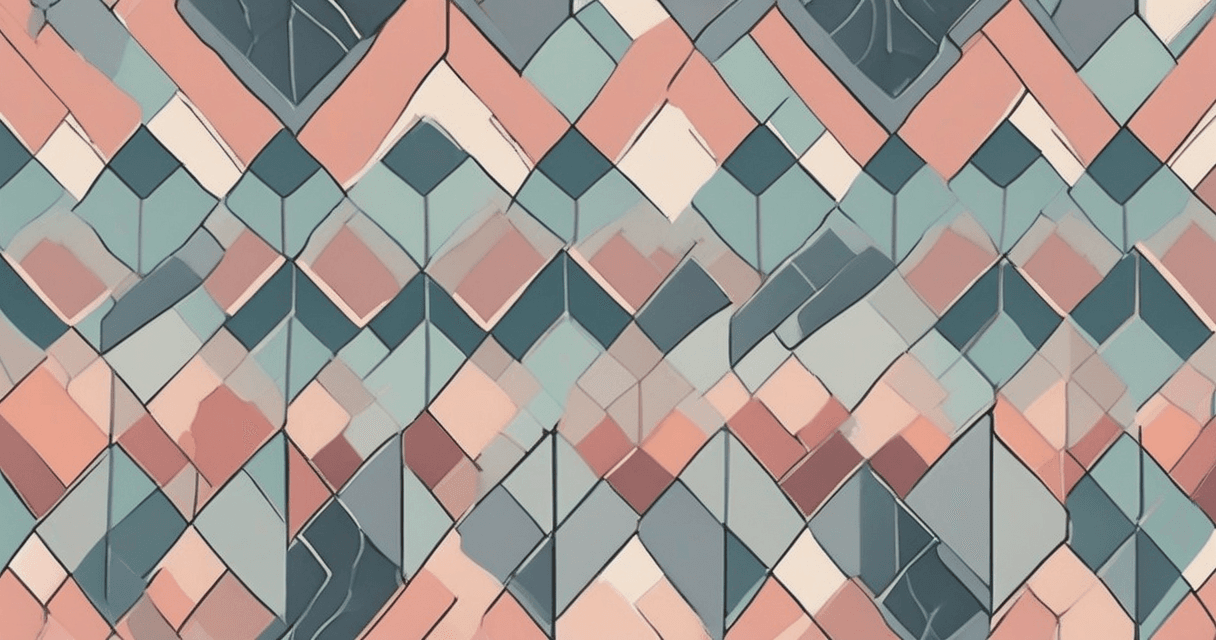
Generating geometric patterns with AI turns a text prompt into grids, chevrons, and art deco prints in seconds. This guide covers prompting for style and scale, controlling color, and making the finished result cleanly tileable.

Creating a ditsy floral pattern with AI means generating tiny, scattered flowers in a loose, seamless spread. This guide explains what a ditsy print is, how to prompt for scale and density, and how to make it tile.

Making a transparent PNG motif frees a design element from its background so it drops cleanly into any repeat or layout. This guide covers background removal, getting clean edges, and the export settings that keep motifs print-ready.

Removing weave texture from a scanned swatch turns a bumpy, moire-ridden scan into a flat, editable digital design. This guide covers descreening, scan settings, and how to keep the print detail you actually want while stripping the noise.

Learning how to straighten a photo taken at an angle lets you turn a skewed fabric shot into a flat, square image ready for tracing and tiling. This guide covers the four-corner perspective correction method and how to shoot to preserve resolution.

Learning how to compare two images side by side lets you QA AI edits and upscales precisely and present clean before-and-after proofs to clients. This guide covers slider, overlay, split, and pixel-difference modes and when to reach for each.
Get the latest textile design tips and industry insights delivered to your inbox.