What Is CAD in Textile Design? A Beginner's Guide and Software List
Textile CAD explained for beginners: the jobs it does, the programs studios and mills actually use, what is free, and where AI pattern tools now fit in.
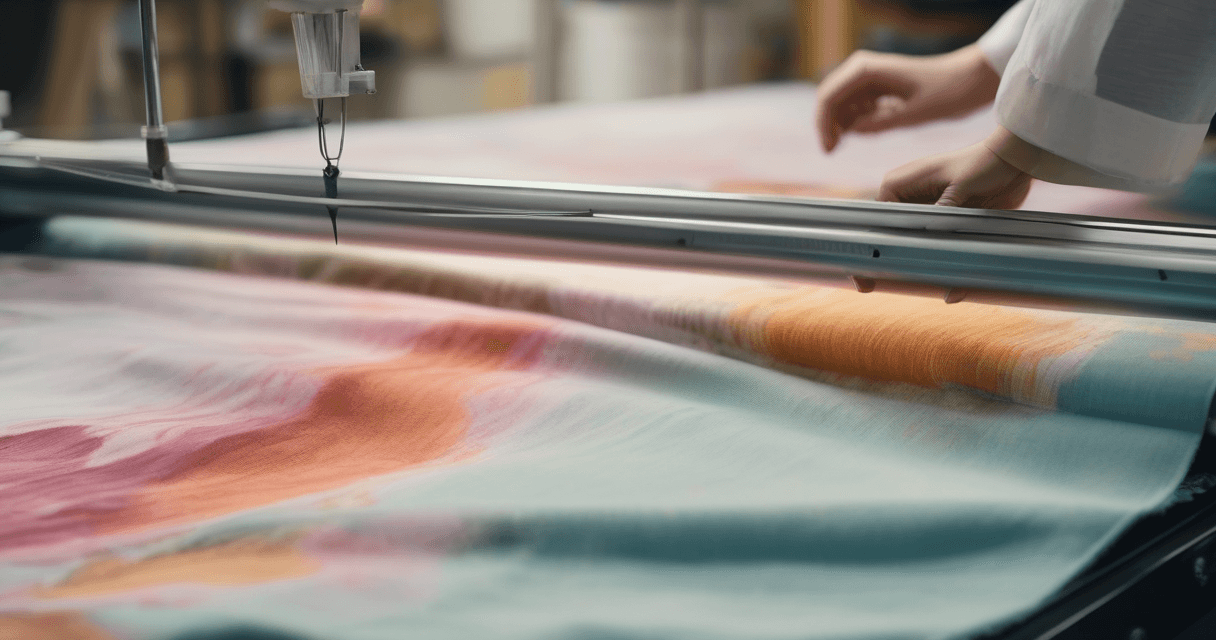
From design to finished fabric: how production works, what mills need from designers, and how to avoid delays and reprints.

A fabric weave simulator lets you preview your print on denim, linen and twill before production, so you see how a real woven texture changes your pattern. This guide explains each weave and how to read the simulation to avoid costly surprises.

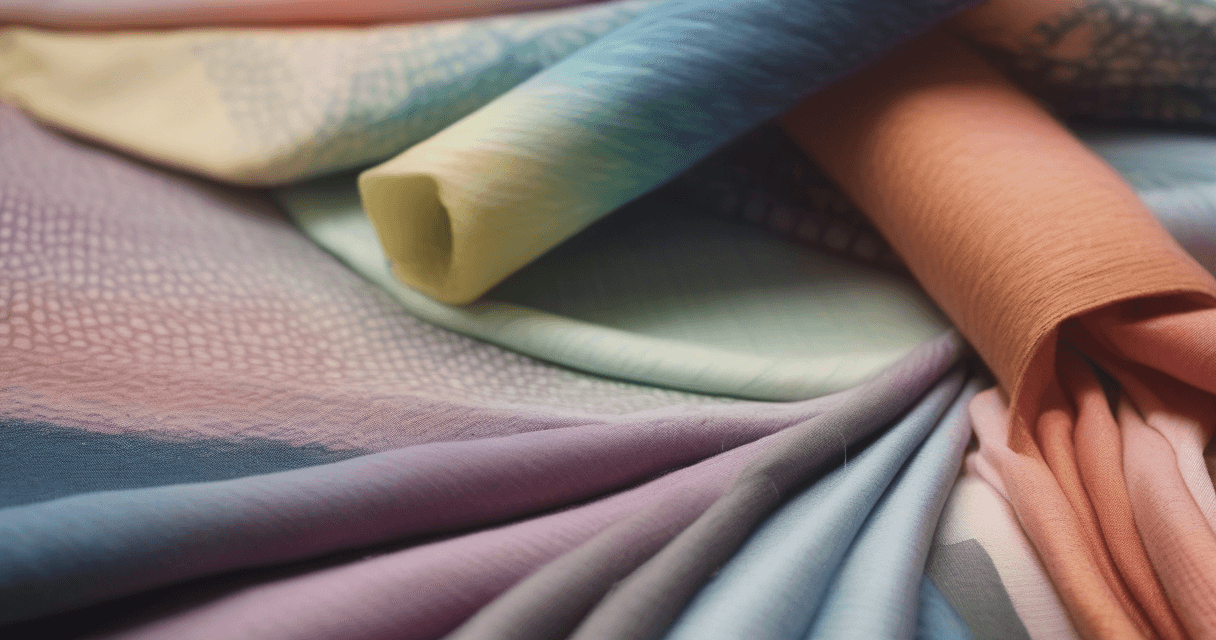
Learning how to make fabric colorways from one master pattern is the difference between one design and a full seasonal range. This guide covers palette-swap systems, colorway generators, and exporting each variant as a clean production file.

Rotary screen printing has the most specific technical requirements of any textile process: screen circumference, registration tolerances, LPI and color count all dictate design decisions. This checklist covers every file-level requirement for rotary submission.

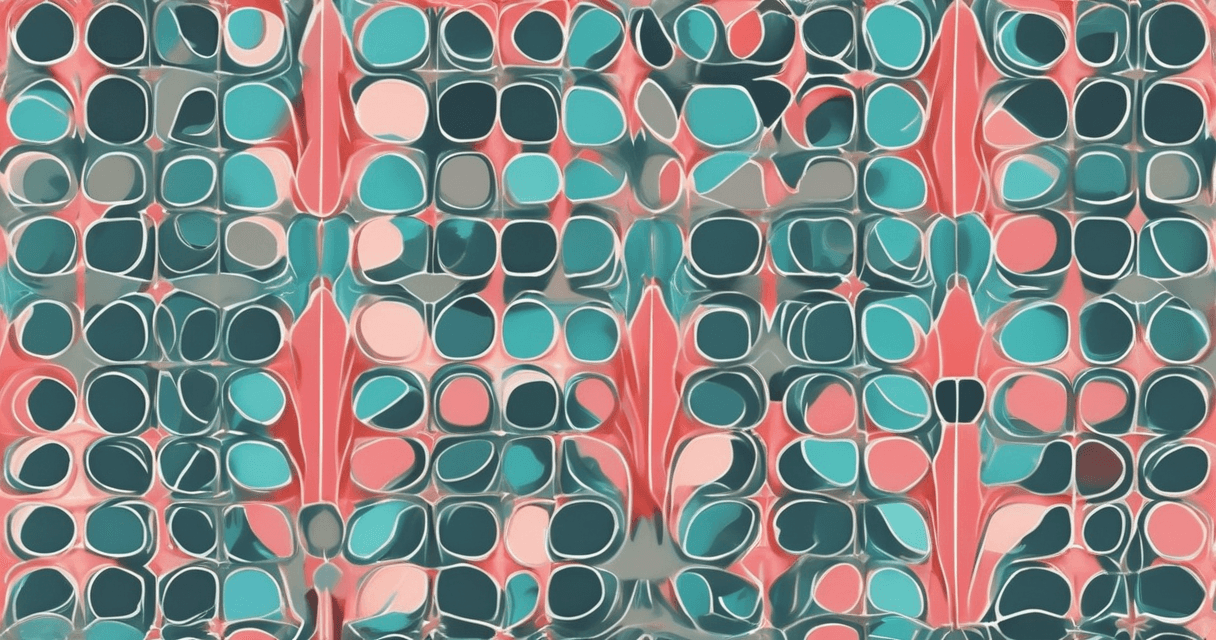
A pattern that looks seamless on your laptop can still print with a visible stripe every tile. This guide walks through the three verification steps that catch seam issues before they reach production: a grid preview, a seam energy measurement, and a scale paper test. It takes ten minutes and saves entire runs.

Every textile file starts with one question: what DPI does this need to be? The answer changes with the print process. Digital textile printing needs 300 DPI at final size, rotary screen wants 360, and flat screen is comfortable at 150–200. This guide explains why each process has a different target and how to calculate pixels for any print size.

Master color separation techniques for rotary and flatbed screen printing. Learn how to split designs into individual color layers, optimize screen counts, and achieve perfect registration.
Get the latest textile design tips and industry insights delivered to your inbox.